
Understanding DbContext in EF Core: A Complete Guide
How EF Core’s DbContext Simplifies Data Access, CRUD Operations, and Application Architecture


What is DbContext?
If you’re entering the world of .NET, you’ve probably wondered: what is DbContext? In EF Core, DbContext acts as the primary bridge between your application and the database. It simplifies data access, manages entity sets, tracks changes, and handles database connections, enabling cleaner, maintainable code and efficient querying.
Why DbContext Matters
Key Benefits
Simplified Data Access: Provides a unified interface to your database without writing complex SQL queries.
Improved Code Maintenance: Encapsulates data access logic, making your code reusable and modular.
Efficient Querying: LINQ integration allows developers to extract and manipulate data elegantly.
Change Tracking: Automatically monitors entity modifications so that SaveChanges persists updates safely.
Potential Drawbacks
Additional abstraction layer introduces slight overhead.
Limited direct control over generated SQL queries.
Not thread-safe.
Tightly coupled with EF Core.
Primary Use Cases of DbContext
CRUD Operations: Create, Read, Update, Delete operations on your tables.
Data Extraction: Query specific subsets with LINQ efficiently.
Data-Driven Applications: Powering CMS, e-commerce, or other business apps.
Integration with ASP.NET Core: Build web applications with full database connectivity.
Getting Started with DbContext in EF Core
1. Setting Up DbContext
Define Entities: Create classes representing your database tables.
Configure DbContext: Derive a class from
DbContextand set your connection string.Define Entity Sets: Use
DbSet<TEntity>properties for each entity.
Example (Updated for EF Core 8+ with DI-ready approach):
public class MyDbContext : DbContext
{
    public MyDbContext(DbContextOptions<MyDbContext> options)
        : base(options) { }

    public DbSet<Product> Products => Set<Product>();
}

// Example DI registration in Program.cs
builder.Services.AddDbContext<MyDbContext>(options =>
    options.UseSqlServer(builder.Configuration.GetConnectionString("DefaultConnection")));
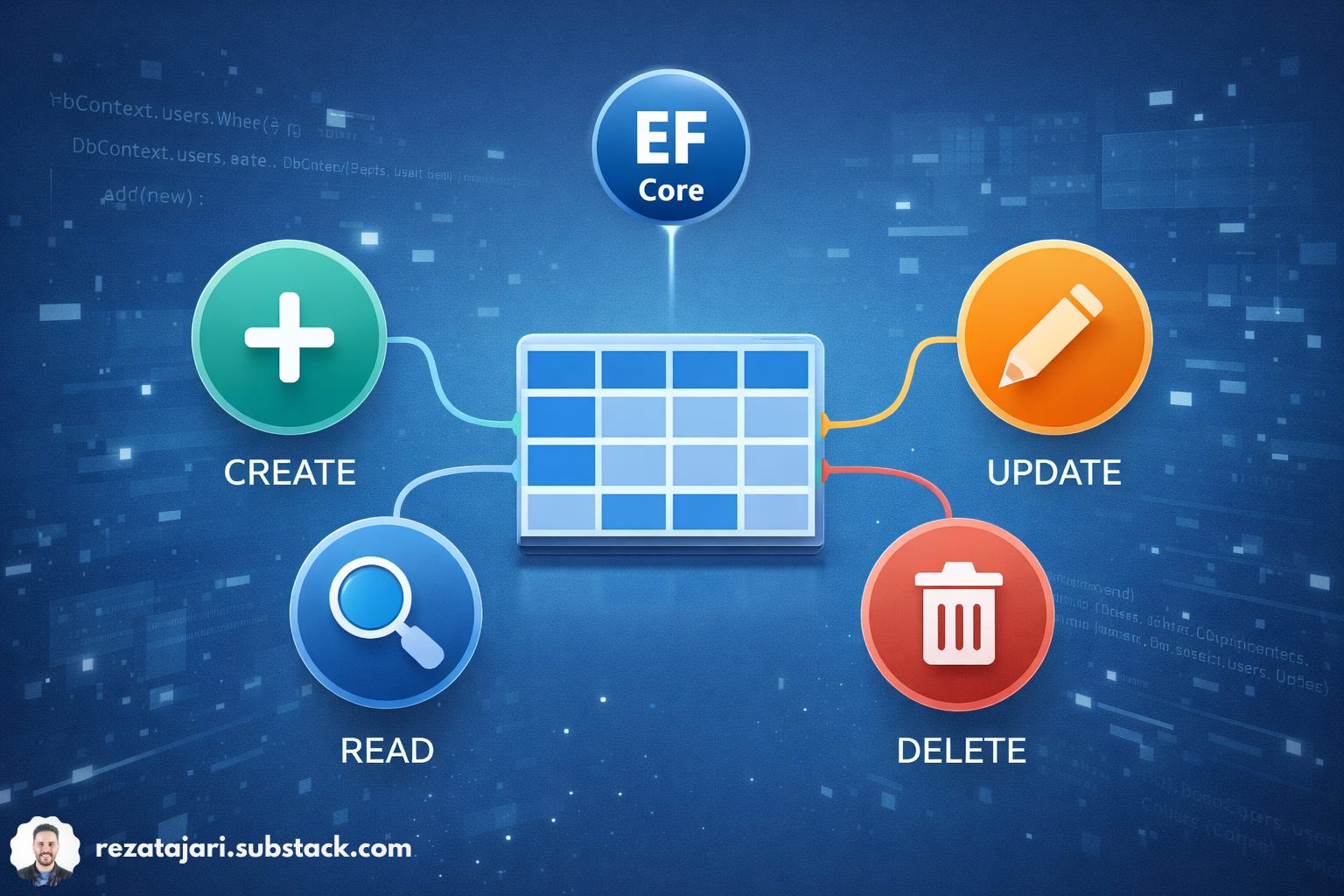
2. Performing CRUD Operations
using var dbContext = new MyDbContext(options); // ensures Dispose

// Add a new product
var newProduct = new Product { Name = "New Product", Price = 10.99m };
dbContext.Products.Add(newProduct);
dbContext.SaveChanges();

// Retrieve products priced over $5
var expensiveProducts = dbContext.Products
    .Where(p => p.Price > 5)
    .ToList();

// Update an existing product
var productToUpdate = dbContext.Products.Find(2);
if (productToUpdate != null)
{
    productToUpdate.Price = 12.50m;
    dbContext.SaveChanges();
}

// Delete a product
var productToDelete = dbContext.Products.Find(3);
if (productToDelete != null)
{
    dbContext.Products.Remove(productToDelete);
    dbContext.SaveChanges();
}

3. Using LINQ for Efficient Queries
LINQ (Language Integrated Query) allows you to query directly in C# with readable syntax.
// First 10 products alphabetically
var firstTenProducts = dbContext.Products
    .OrderBy(p => p.Name)
    .Take(10)
    .ToList();

// Select only specific properties
var productDetails = dbContext.Products
    .Select(p => new { p.Name, p.Price })
    .ToList();
Advanced EF Core Features
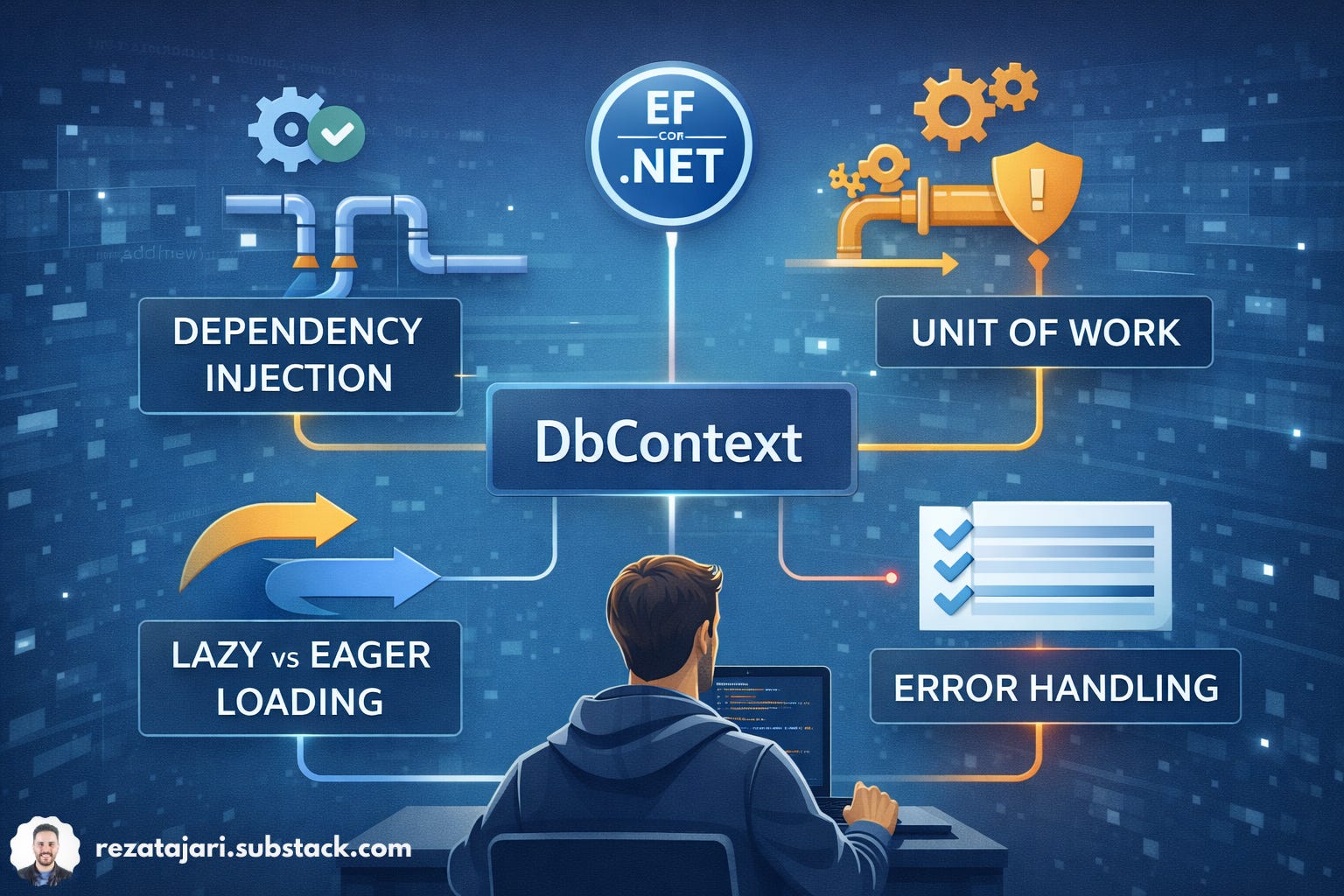
Lazy Loading & Eager Loading: Optimize data retrieval depending on use cases.
Stub Entities for Testing: Simulate database interactions without querying the actual database.
Best Practices for Using DbContext
Use
usingStatements: Ensure proper disposal of resources.Leverage Dependency Injection: Integrate with ASP.NET Core applications.
Choose the Right Loading Strategy: Lazy vs Eager Loading.
Implement Unit of Work Pattern: Track multiple operations in a transaction.
Error Handling: Capture exceptions for safe database operations.
Maintain Transparent Code: Keep DbContext responsibilities clear.
Profile and Optimize: Use tools to check query performance and memory usage.
DbContext and ORM
DbContext is EF Core’s implementation of the ORM pattern. While ORM abstracts relational data into object-oriented models, DbContext encapsulates these operations, making interaction with the database intuitive and developer-friendly.
Conclusion: Why DbContext is Essential
DbContext plays a critical role in EF Core by simplifying data access, streamlining CRUD operations, enabling efficient LINQ queries, and supporting maintainable application architecture. By following best practices and leveraging its features, developers can build robust, scalable, and high-performance .NET applications.
For more detailed notes every week, subscribe👉 rezatajari.substack.com